Start with current company information. Documents do not change model weights: relevant passages are provided when the agent responds.
Start with common questions
- Describe delivery, payment and returns in plain language.
- Add current opening hours, addresses and contact details.
- Specify when the agent should hand a question to a staff member.
Prepare the catalog
- Provide a name, SKU, description and price for each product.
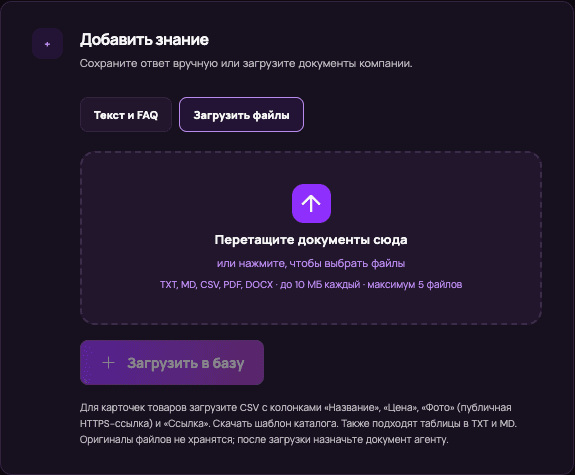
- For photo cards, add a direct HTTPS image URL and a product URL.
- Detach outdated catalog versions from the working agent when they contradict the latest data.
Check the answers
- Ask about a fact that is definitely in the file.
- Ask about an unknown product: the agent should acknowledge missing data.
- Verify price and stock against the current source, not model memory.